 Try Saylance

The real problem isn't time tracking — it's friction
Every contractor knows they should track their hours and expenses. Most have tried. Most have given up.
Not because time tracking is complicated. Because the moment you need to do it — end of a job, hands dirty, standing in a client's driveway — pulling out your phone and typing "2 hrs 15 min" into a tiny form feels like one more task at the end of a long day.
So you tell yourself you'll do it later. Later becomes Friday. Friday becomes "I'll just round it." And rounding always goes in the client's favour, not yours.
Most people blame themselves for this. But the real issue is that tracking tools were designed for people sitting at desks — not standing in someone's yard at 5pm.
Why existing solutions fall short
Paper timesheets work until they get wet, lost, or buried in the ute. And someone still has to type them up later.
Timer apps require you to remember to hit "start" before the job and "stop" after. In practice, you forget. Then you're guessing anyway.
GPS auto-tracking logs when you arrive and leave a site. But it doesn't know you spent an hour waiting for materials, or that you worked through lunch. It tracks location, not work.
Standard time tracking apps assume clean hands, a quiet moment, and patience for forms. Contractors have none of these at the end of a job.
None of these are built for someone whose hands are covered in concrete dust, paint, or grease — who just wants to log their hours and get home.
What is voice job logging?
Instead of filling out forms, you just say what you did. Or type it — same plain language either way. No dropdowns, no fields, no menus:
- "3 hours on the Henderson deck"
- "Spent about $80 on materials at Bunnings"
- "Put down yesterday's work — was at the Chen place most of the arvo"
The good apps actually understand what you mean, not just the words. So "a couple hours" and "about 2 hours" both work. "The whole morning minus lunch" gets interpreted correctly. Doesn't matter if you say it or type it.
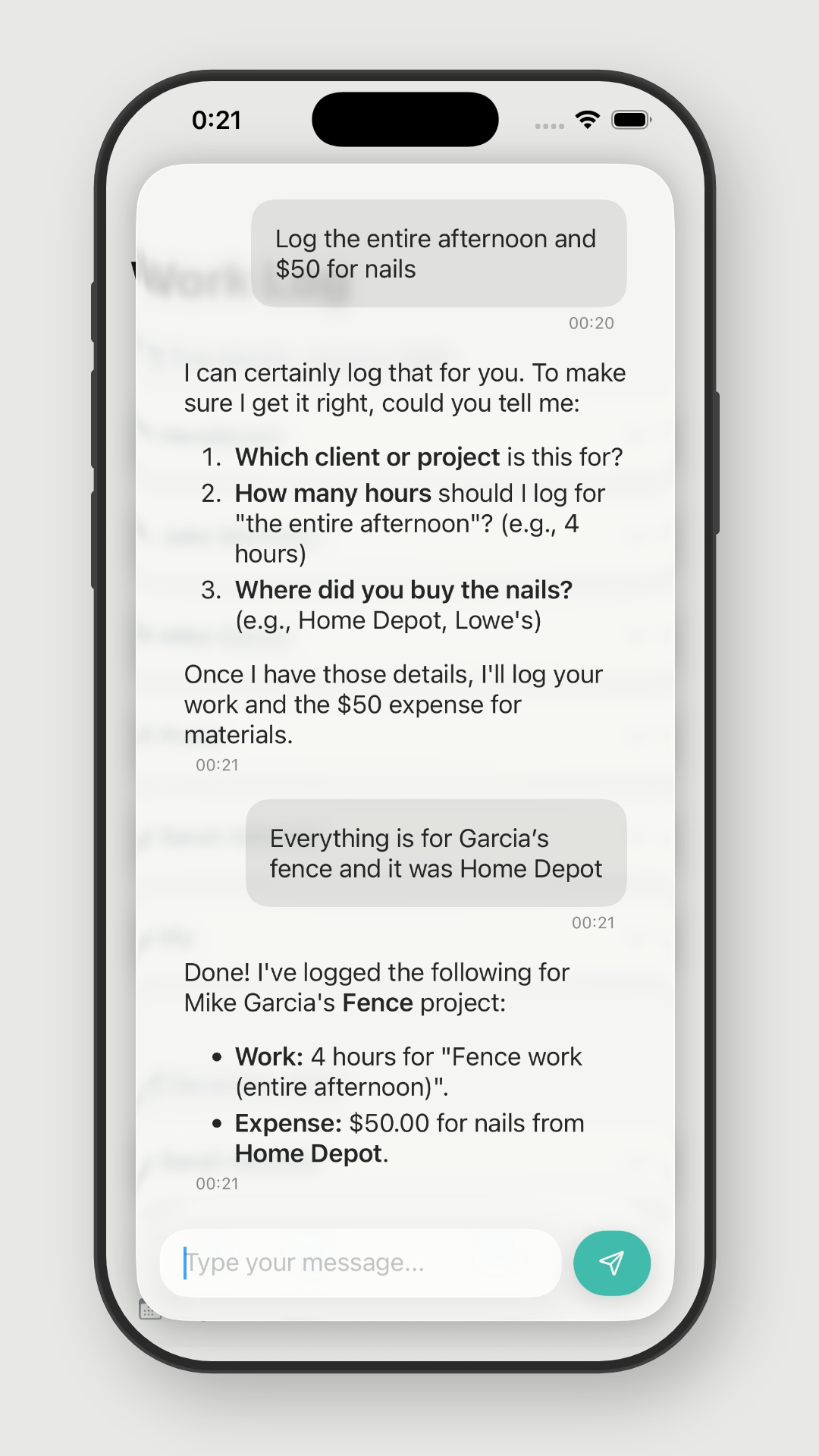
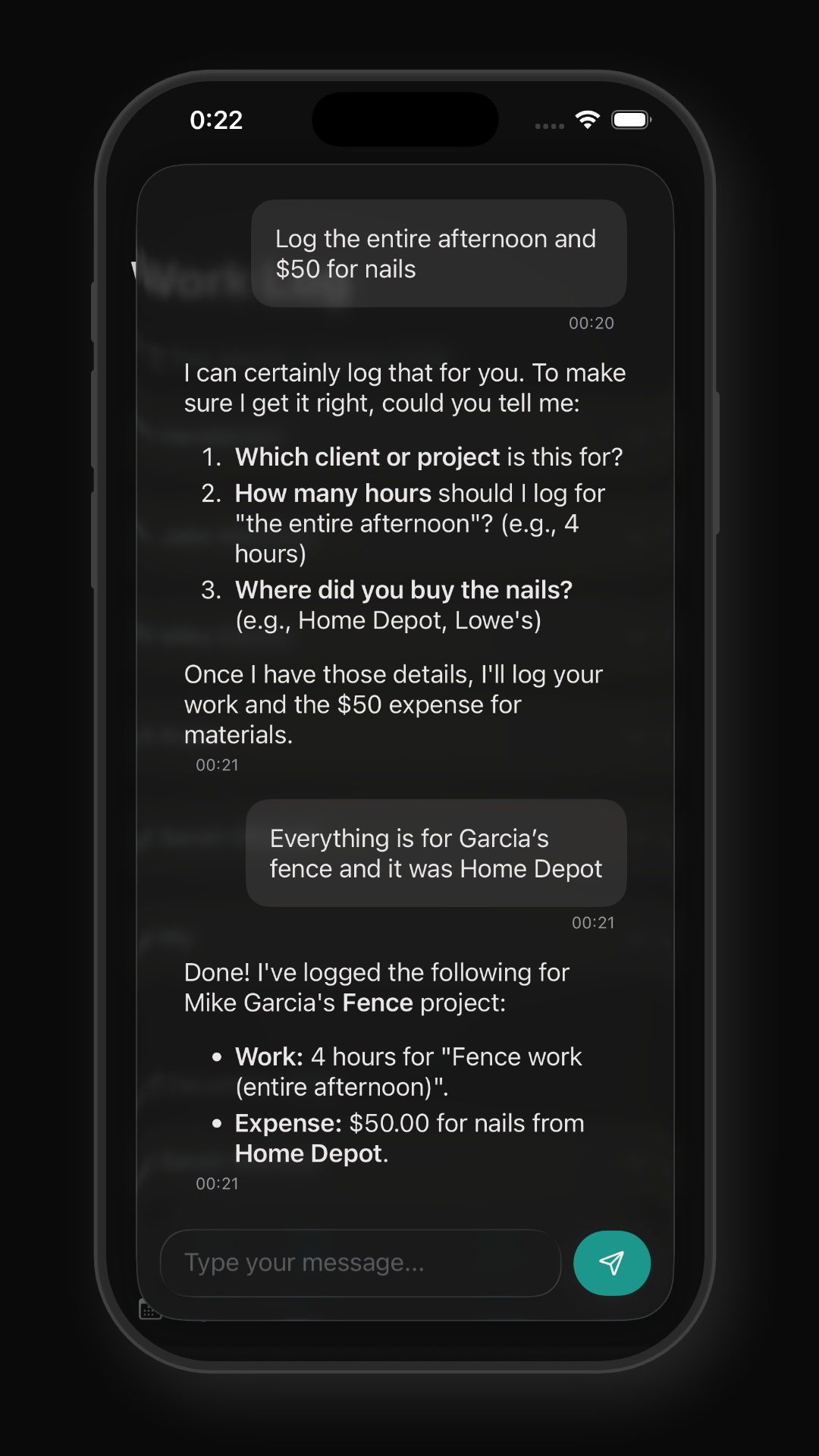
And when you leave something out, the app asks:
I'll log 3 hours for this morning. Which project?
Done — logged 3 hours this morning on the Henderson Deck at your default rate for this project. That's $225.
It's a conversation, not a form.
When voice logging makes sense
Voice logging solves one specific problem: capturing time and expenses when typing into forms isn't realistic.
If you regularly finish jobs with dirty hands, run multiple jobs a day and lose track, or you've tried time tracking apps before and quietly stopped using them — this is probably worth a look. Same if small expenses keep slipping through because logging $12 for parking feels like too much effort.
If you work at a desk, have admin staff handling time entry, or your current system already works — you probably don't need this. No point fixing what isn't broken.
Voice logging isn't magic. It just removes the part that makes people quit — figuring out forms.
What to look for in a voice logging app
If you're comparing apps, these are the things that actually matter:
Natural language understanding vs. rigid commands.
Can you say "about 3 hours" or do you need "log 3 hours 0 minutes"? Can it handle "the whole afternoon
minus lunch"? Basic voice-to-text isn't enough — the app needs to understand what you mean.
Asks when unclear.
If you forget to mention a job, does it ask? Or does it just fail or log to the wrong place?
Time AND expenses.
Logging hours is half the picture. If you can't also say "spent $50 on screws," you still need a separate
system for expenses.
Speed.
How many steps from opening the app to completing an entry? The best apps: open, speak or type, done.
If you're navigating menus first, you'll stop using it.
Voice and text input.
Voice is great on the job site. But sometimes you're sitting in a quiet waiting room, or you're on a factory
floor where nobody can hear anything. You should be able to type the same thing and get the same result.
Confirmation.
Does it tell you what it logged, so you can catch errors?
Limitations and honest trade-offs
Voice logging isn't perfect. A few things worth knowing before you commit:
Extremely loud environments can make voice recognition difficult. Normal job site background noise is fine, but next to a jackhammer you'll want to step away — or just type it instead. Good apps give you both options.
Accents and speech patterns work fine in most apps these days. But if your client's name is Wojciechowski, expect to correct it the first couple of times.
You still need to check your entries. Voice logging is fast, but glance at your log once a week. Things do get misheard occasionally.
It feels weird at first. Talking to your phone at the end of a job takes getting used to. Give it a week. Or start by typing and switch to voice once it feels normal.
Not every app does this well. "Voice enabled" on a feature list usually means basic speech-to-text — you dictate, it transcribes, and you still fill out the form yourself. That's not the same thing. Try before you buy.
Common questions about voice logging
Common Questions
You're logging what you did right after you did it. That's always going to be more accurate than trying to remember on Friday. For expenses, you're putting in the real number while you're still holding the receipt.
Yes. Speech recognition has gotten very good with accents. You don't need to put on a newsreader voice.
Depends on the app. Some process everything on your phone, others send audio to the cloud. Worth checking. Saylance processes audio in the cloud but it's not stored.
Nope. You can type the exact same thing — "3 hours on the Henderson job" — and it works the same way. Voice is faster when your hands are filthy. Typing is better when you're somewhere quiet or somewhere deafening. Whatever suits.
Yes. "Put down yesterday's work" or "Log last Friday" should work in any decent voice logging app. You can say it or type it.
How Saylance approaches this
We built Saylance for this. You say or type what you did, in whatever words come naturally:
- "Spent about 3 hours on the Henderson fence this morning, then grabbed $85 in materials from Bunnings"
- "Put down yesterday — full day on the renovation, probably 7 hours, plus $150 in materials"
Say it out loud on the drive home, or type it while sitting in the ute. Same thing either way. If you forget to mention the job, it asks. If something sounds off, it checks before logging. Time and expenses in one go. Try it free on iPhone.